
PhoneBox, a free app that turns old Android phones and tablets into desk dashboards for a computer, disclosed on Nov. 20 a high-severity flaw that let any app on a plugged-in phone run commands on the PC.
The bug affected versions 0.9.23 and earlier and was fixed in 0.9.24, according to the project’s security advisory on GitHub. Running commands wasn’t all a rogue app could do. It could read and change the desktop agent’s settings, answer Claude Code permission prompts and inject keyboard and pointer input. The settings it could reach included “the Wi-Fi pairing key, the webhook key, and the Home Assistant, Discord and other tokens,” the advisory said.
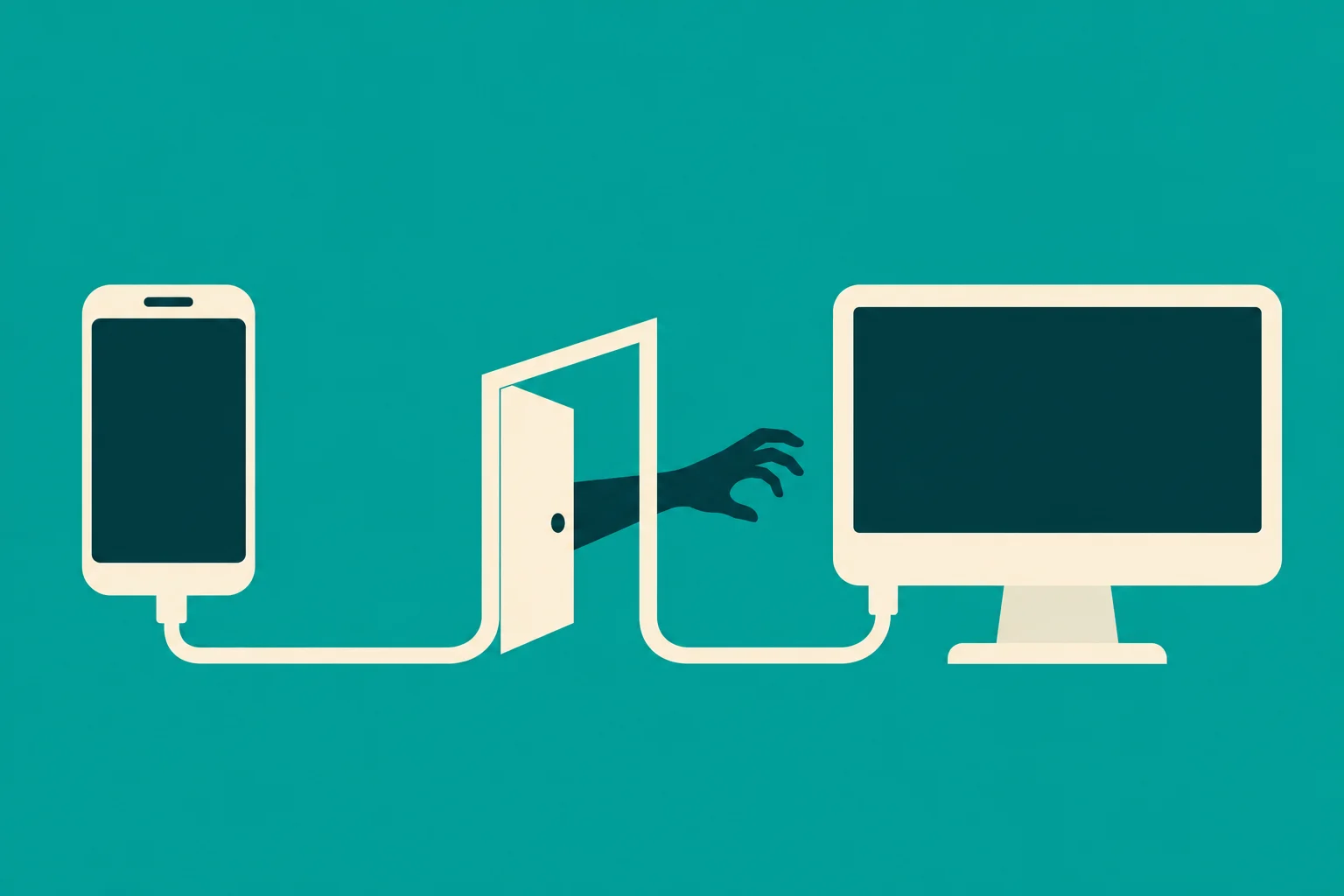
The weak point was a port forward. When a phone is connected over USB, the agent maps port 8765 on the phone to a listener on the computer that trusts local requests. “The adb reverse port on the phone is open to every app on the phone, not only PhoneBox,” the advisory said. Any app with internet permission could pose as the computer’s own user.
An attack needed a malicious app already installed and USB debugging switched on. Phones paired only over Wi-Fi weren’t exposed, because that connection requires the paired key.
The project’s maintainer, who publishes on GitHub as ersinkoc, told users who had ever had an untrusted app on a phone while it was plugged in to “assume the settings were read.” The advisory said they should pair the phone over Wi-Fi again to get a fresh key, generate a new webhook key and rotate stored tokens. The fix moves USB traffic to its own port, protected by TLS pinned to the agent’s certificate, a per-install key and a list of allowed paths. Both the desktop agent and the Android app have to be updated. No CVE number has been assigned.
The project’s repository had about 6,000 stars and 727 forks as of Tuesday.
Nick Indge, a senior technology reporter, tested version 0.9.29 for a review published Tuesday by Ars Technica and said the flaw was gone by then. He counted 0.9.29 as one of several releases pushed to GitHub in as many days. The advisory, he wrote, is “a good reminder that you’re installing something with deep system access and should exercise appropriate caution.”
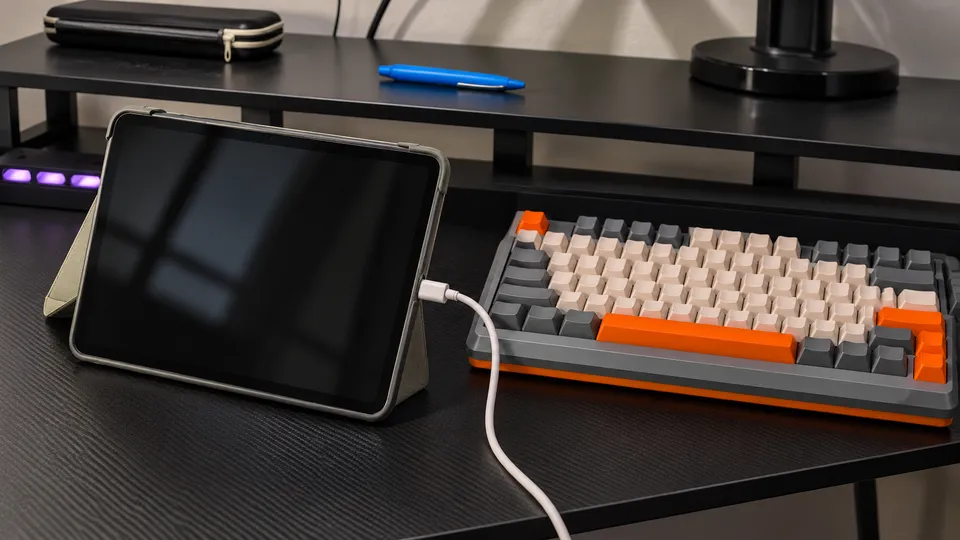
His test device was an AllDoCube iPlay 50 mini Pro, an 8.4-inch tablet he’d bought secondhand and left in a kitchen drawer. With the tablet in developer mode and plugged into his PC by USB, he ran one command in a Linux terminal. The script downloaded the software, checked it against the release checksum, offered to set up a systemd user service so the agent starts at login and pushed the app to the tablet. The whole thing took less than a minute, he said.

Out of the box the tablet showed live performance figures from the PC. Mr. Indge added widgets that list his installed Steam games and launch them with a tap, and one that controls devices on his Home Assistant server. He had his office lights on the tablet within seconds. “It’s brilliant,” he wrote.
He put the catalog at 131 widgets. The project’s README lists 132.
He had complaints. The Windows companion app is unsigned, so Windows users should expect a SmartScreen warning. The README says releases will stay unsigned until the SignPath Foundation issues the project a release certificate. His weather widget defaulted to Tallinn, Estonia, and the setting to change it sat in general preferences, not in the widget. Wireless pairing never worked for him: it depends on the device’s camera app opening a QR code, his tablet refused every time, and PhoneBox has no scanner of its own.
The app is MIT-licensed, runs on Android 5.0 or later and isn’t on the Google Play Store, so it has to be sideloaded. The desktop agent runs on Windows 10 and 11, Linux and macOS, according to the repository. Mr. Indge’s tablet now sits on his desk, powered from a USB port on his PC, and goes to sleep when his main monitors do.